

Adding a custom MCP server
- Open Settings > Integrations.
- Under Custom MCPs, click
Add custom MCP server. - Enter the server URL and choose how it authenticates: None, OAuth, or API key.
- Save it, then enable it for the sessions that should use it.
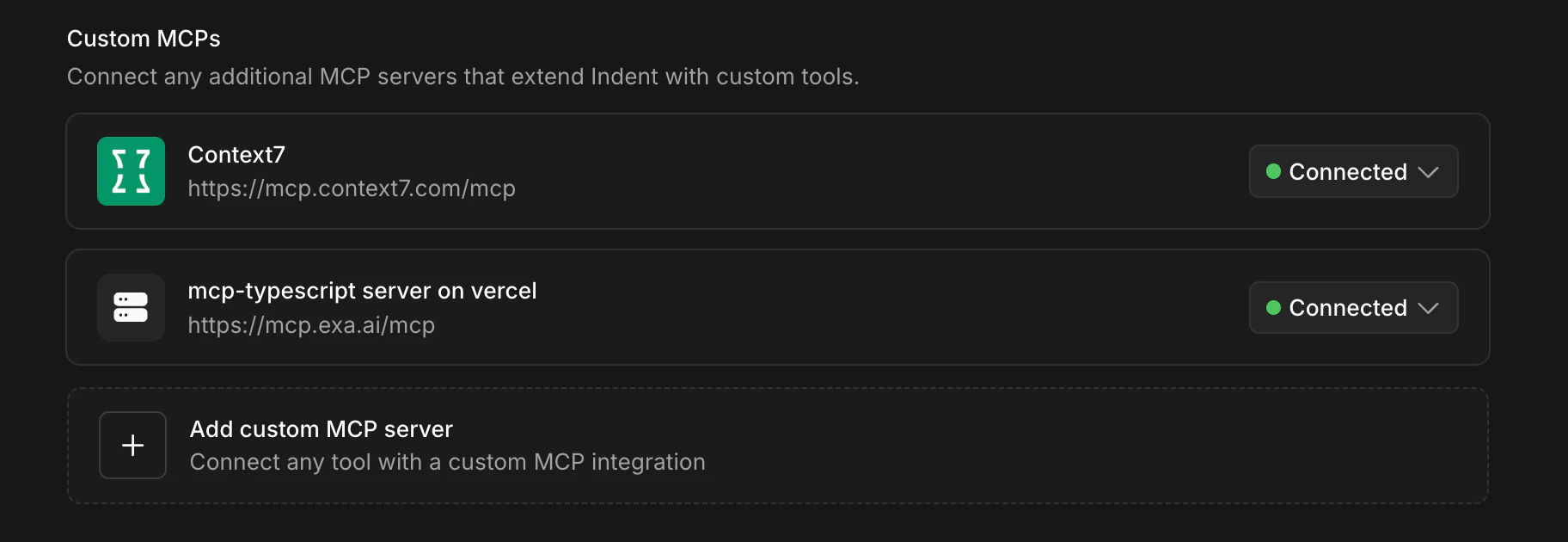
Connect remote MCP servers so Indent can use your team’s internal tools.
Add custom MCP server.