The best way to work with Indent is to treat it like a capable colleague. Say what you want, give it what it needs to get there, and check the result.
Frame the task like a brief
Hand Indent a task the way you’d hand one to a teammate. State the outcome you want, not the keystrokes to get there.
- Lead with the goal. “Add rate limiting to the public API so a single client can’t exceed 100 requests a minute” beats “edit the middleware file.”
- Name the constraints and edge cases that matter. The config that can’t change, the endpoint that must stay backward-compatible, the deadline behavior.
- Say what “done” looks like. Tests passing, a specific bug no longer reproducing, a number matching a known value.
- Don’t over-specify the approach. Give the destination and let Indent find the path; step in if it heads the wrong way.
You don’t have to get the framing perfect up front. Indent asks clarifying questions when something is ambiguous, and you can redirect it mid-session.
Give it the right context
Indent starts each session fresh. The context you provide, and the context you’ve set up in advance, decide how well it does.
-
Attach what’s relevant. Paste a Sentry link, a stack trace, an error message, or a screenshot. You can attach up to 10 files or images to your prompts by drag-and-drop, paste, or the paperclip.
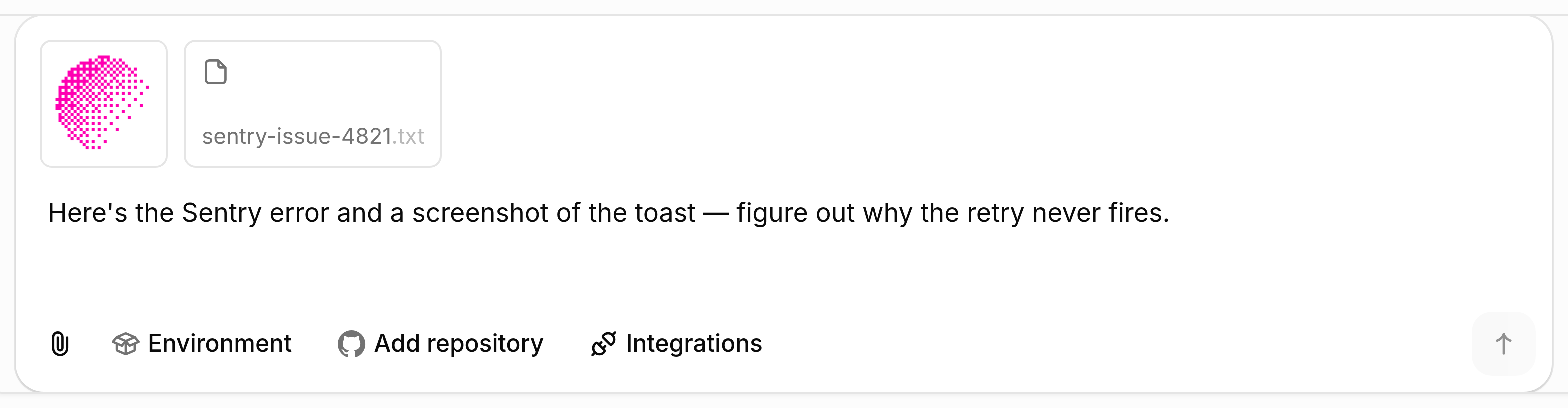
-
Point at a real environment when the task needs your build. A bare sandbox has your code but not your running application. When a task needs the app built, services up, or the UI exercised in a browser, start the session in an environment so everything is ready from the first message. For a quick code edit or a question, a sandbox is enough.
-
Connect the systems the task touches — GitHub, databases, Slack, Datadog, Sentry, and other integrations — so Indent can pull the evidence itself instead of asking you for it.
Train Indent on your business, systems, and codebase
- AGENTS.md: standing repository instructions. Commit an
AGENTS.mdat the repository root with setup, architecture, conventions, testing, and deployment guidance. A local desktop session started from that folder loads the first 16 KiB automatically. In a cloud session, ask Indent to read the file before starting work. - Skills: named, reusable procedures. Commit a
SKILL.mdfor a workflow too narrow for AGENTS.md but too costly to re-explain, like a deploy, a migration, or a release runbook. Repositories available through the GitHub App publish matching skills to Indent. - Memories: what Indent learns as it works. Indent records durable facts on its own, and you can tell it to remember or drop something directly. Memories apply in later sessions where their personal, organization, repository, integration, or automation scope is relevant. Correct Indent once and it records the correction.
The payoff: Indent can use the relevant context without another full explanation, so you spend less time repeating setup, procedures, and preferences.
Review and verify the output
Indent shows its work: the files it read, the commands it ran, and the queries it wrote. That lets you check its reasoning, not just its result.
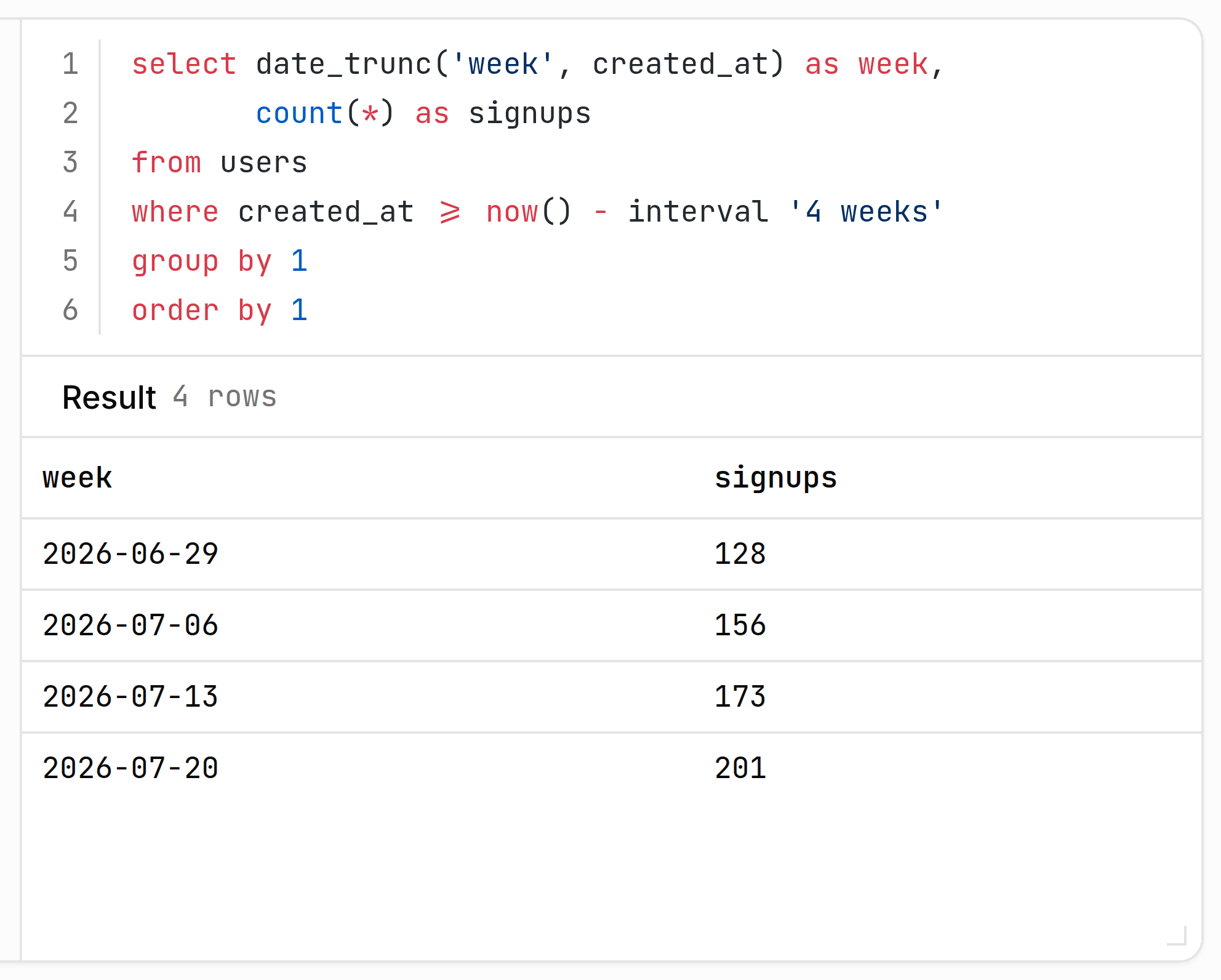
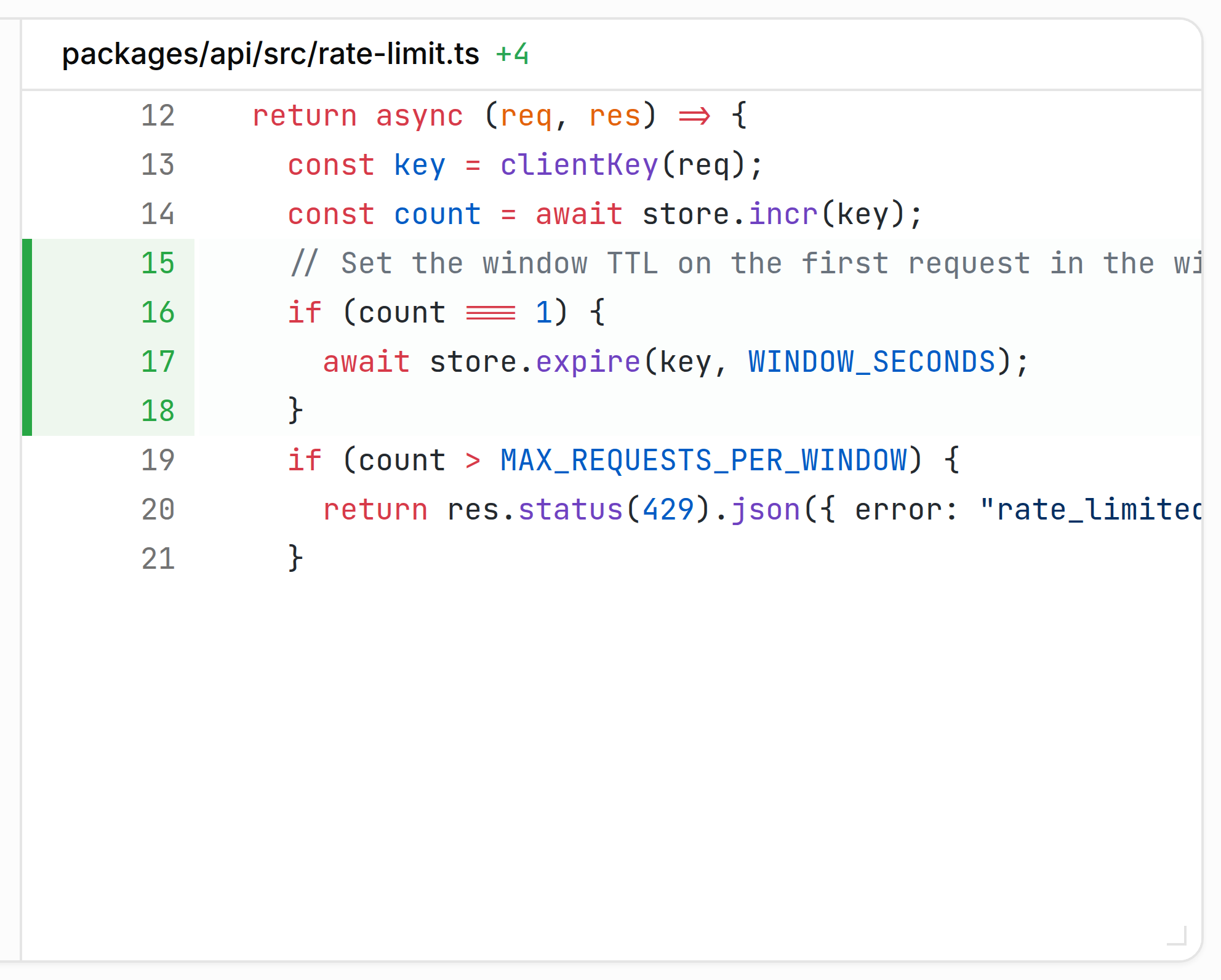
- Read the diff, not just the summary. Open the pull request and review the change as you would a teammate’s.
- Check the evidence behind a claim. For an analysis, the SQL is inline with the results; for an incident, the logs and traces are in the transcript.
- Redirect in the session when the approach is off. A follow-up message steers the work without starting over. See Troubleshooting when Indent gets stuck or a check keeps failing.