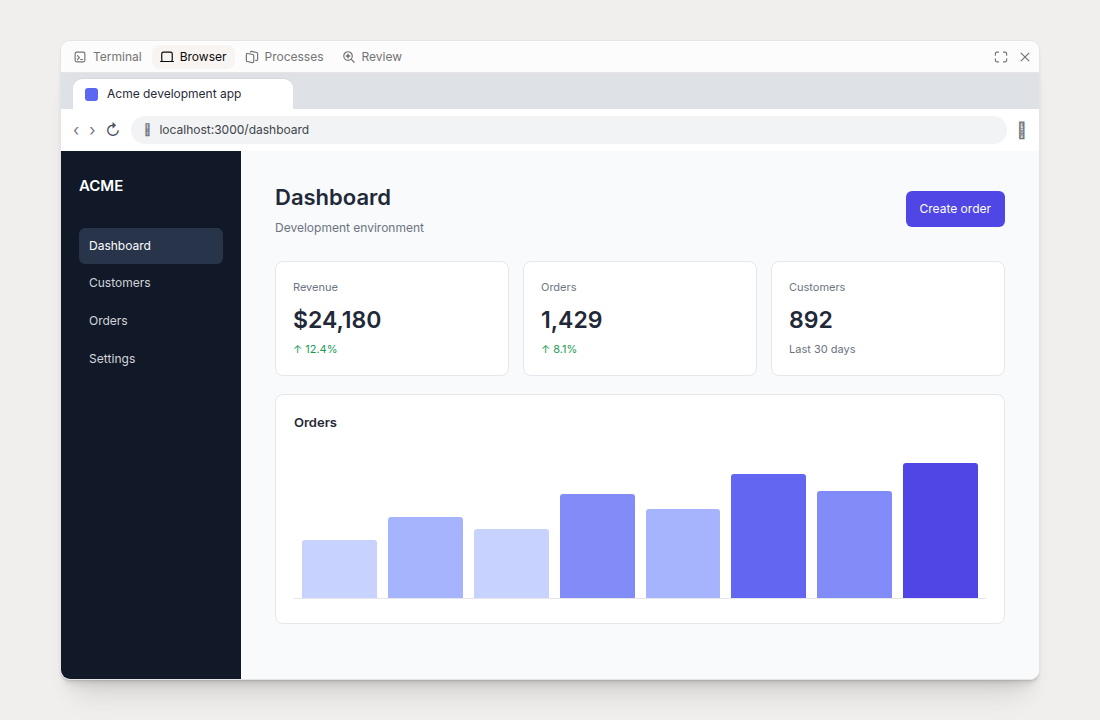
Every cloud session includes a browser inside its sandbox. Indent can use it to test your application, and you can open the same browser from the session’s Browser tab.
Open the browser
Select Browser in the tool panel toolbar at the top of the session. Opening the tab wakes a sleeping sandbox. The panel connects automatically and waits for the first browser frame.
Click inside the browser to interact with it. You can navigate, type, scroll, and use browser devtools as you would in a local browser. While the browser has keyboard focus, click outside it to use Indent’s keyboard shortcuts again.
Use the panel controls to expand, restore, close, or resize the tool panel. The browser viewport resizes with the panel. If the connection drops, the panel reconnects automatically.
If an application opens more than one top-level window, the Browser tab displays the windows in a grid.
Open your application at session start
An environment can automatically open up to 16 URLs when a session starts. In Settings → Environments, select an environment, open Configure, and add the URLs under Browser tabs.
Use a loopback URL such as http://localhost:3000 for a service running in the sandbox. Indent
waits for configured loopback services before opening the browser. Publish the pending environment
revision after editing. The URLs apply when a sandbox boots cold from that revision; running or
resumed sandboxes keep their existing browser.
You can also ask Indent to open a URL, test a flow, or capture a screenshot. Its actions appear in the same browser.